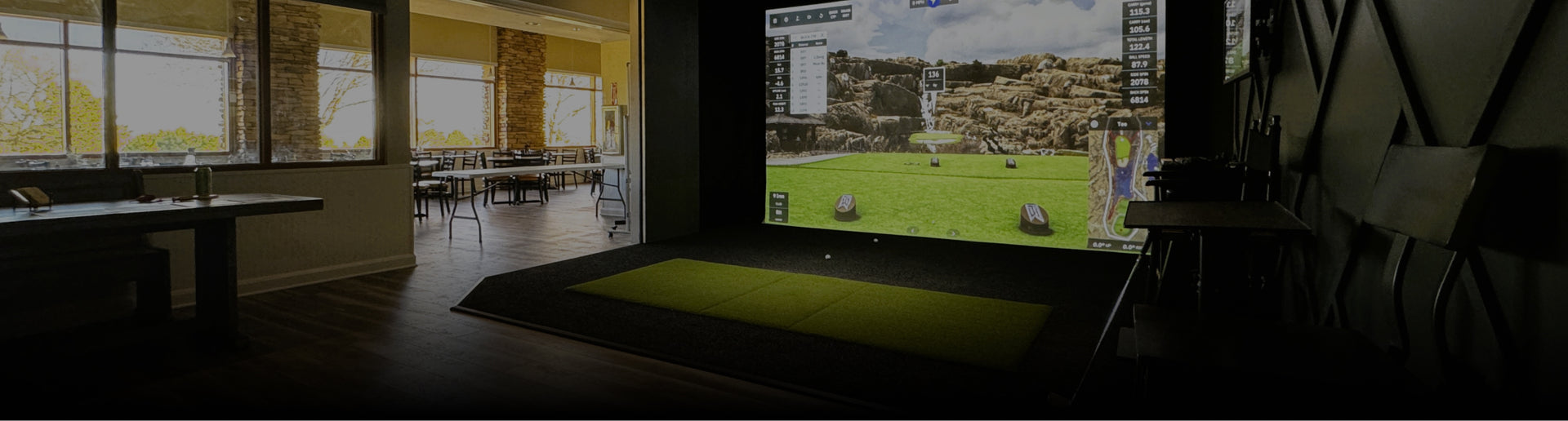
Custom Residential
Custom Residential simulators are permanent, fully integrated builds designed to match your home and your goals. They are ideal for basements, bonus rooms, and dedicated golf rooms where you want clean finishes, consistent lighting, and a layout that supports both practice and hosting.
If the simulator shares space with everyday living, our article on How To Build A Living Room Golf Simulator That Still Feels Like Home covers planning details that keep the room functional and comfortable.
Outbuilding / Shed
Outbuilding / Shed simulators create a dedicated golf studio without taking over the home. Detached builds can offer better room proportions, easier noise isolation, and a true “walk in and play” vibe. See our Caddy Shack Golf Simulator In A Shed project for inspiration.
Retractable
Retractable golf simulators are built for shared spaces where the setup needs to disappear. The key is repeatability: screen position, hitting line, and projector image should return to the same alignment each session so setup stays quick and consistent.
Small Space
Small Space builds turn compact basements, nooks, and spare rooms into high-performance setups. Success comes from right-sizing the screen, choosing equipment that reads reliably indoors, and designing a safe hitting position that still feels comfortable at full speed.
Garage
Garage simulators are common because garages often have workable depth and easy access. They also demand smart planning around temperature swings, echo, storage, and door tracks, especially if vehicles still share the space.
To tame sound and harsh reflections, Noise Control In Home Golf Simulators: What Matters And What Doesn’t outlines practical fixes that keep the room more comfortable for you and everyone nearby.
Cage Residential
Cage Residential setups focus on containment and efficient practice. Instead of a full enclosure, a cage creates a defined strike area that helps protect the room while keeping the overall space flexible. It is a strong option for training-first golfers and phased upgrades.
Theater Golf
Theater Golf projects blend indoor golf with a media room experience. These builds prioritize bright visuals, clean audio, and seating that works for both playing and watching. Lighting control is critical so the room performs well in both modes.
DIY Projects
DIY Projects are for golfers who want to build in phases or handle parts of the setup themselves. The biggest win is planning before buying, then sourcing components that truly fit, so you avoid expensive do-overs. You can shop golf simulator products by category and build your setup step by step.
Office / Commercial
Office / Commercial simulators turn conference rooms, employee lounges, and client spaces into amenities people actually use. These installs should feel polished and intuitive, with durable materials, safe ball containment, and straightforward controls for a wide range of golfers.
Sim Facility
Sim Facility builds are purpose-designed commercial venues with one or more simulator bays, social seating, and layouts built for traffic. These projects require commercial-grade protection, durable turf, and equipment choices made for repeat play. Explore the Birdie Factory In Boulder, CO case study for a multi-bay example.
Putting Green
Putting Green projects focus on short game practice, speed control, and repeatable reps indoors. A putting green can stand alone or complement a simulator bay to create a more complete “course feel” and add value on days you want quick practice without full swings.
Additional
Additional projects cover the finishing touches that elevate a space: wall and ceiling protection, lighting upgrades, seating and bar layouts, custom turf transitions, and technology refinements. For long-term performance, our golf simulator maintenance checklist for longer gear life is a practical reference.